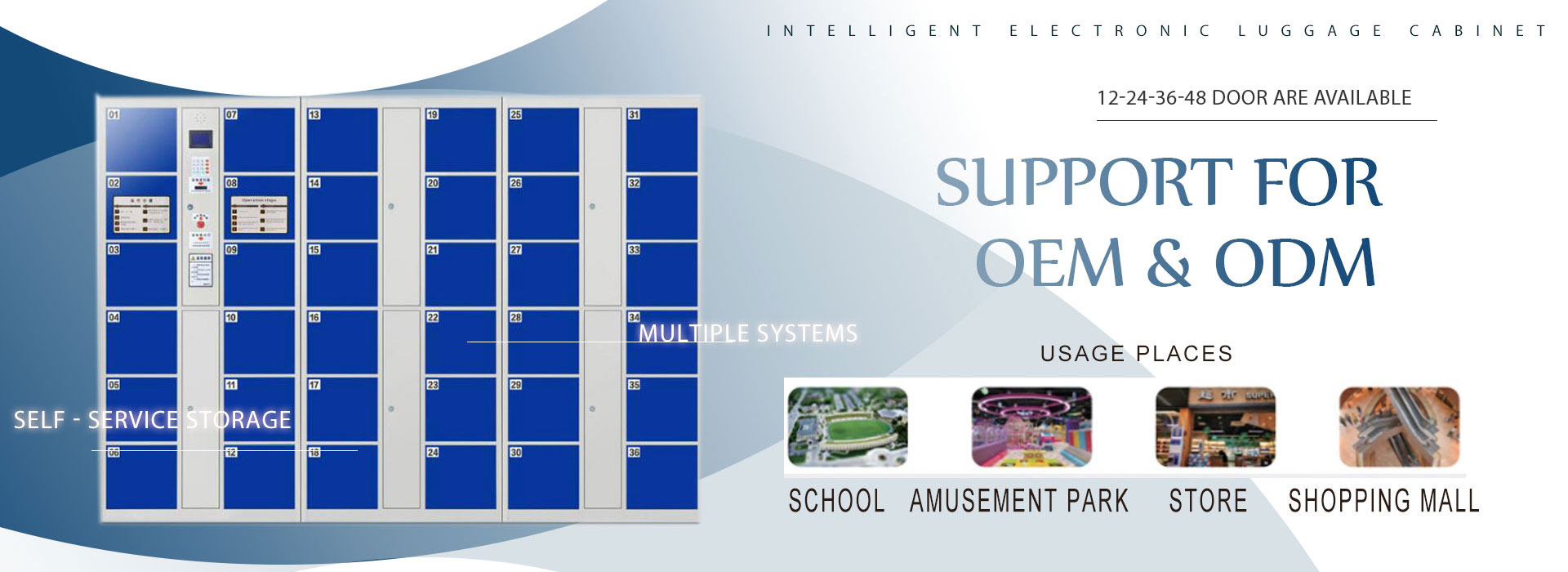
Before every MRI scan, a patient empties their pockets: phone, watch, keys, coins, bank cards. In most departments that pile lands on a reception counter or in a plastic tray while the scan runs. One forgotten key in a trouser pocket, and the magnet pulls it across the room. The scan stops, the schedule slips, and somebody has to explain what went wrong.
A growing number of radiology teams are fixing this at the source with smart lockers placed at the MRI suite entrance. This article covers what those lockers have to do, how they cut scan delays, and what to check before you buy.
Why metal and an MRI field do not mix
An MRI scanner runs a strong static magnetic field that stays on even when the machine is idle. Ferromagnetic items — phones, keys, coins, watches, hairpins, tools, bank cards with magnetic strips — react to that field. In the scan room they become projectiles; outside it they can be wiped or corrupted. So before every exam, staff run the same checklist: remove everything, store it, confirm nothing is left on the patient. That list repeats hundreds of times a day.
Storage is usually the weak link. Counters fill up, loose items get mixed, paper tickets tear, and a phone left on a bench is easy to lose. When a patient’s belongings go missing, it turns into a complaint and a delay. When a staff member forgets a knife or a phone in a pocket, it becomes a safety incident. Both are avoidable with a proper storage point at the door.
What an MRI suite locker has to do — a checklist
Not every locker belongs in a radiology department. The ones that work share the same features:
| Requirement | Why it matters |
|---|---|
| Sits outside the 5-gauss line | Locker hardware stays clear of the magnetic field |
| Non-magnetic, non-ferrous hardware | No steel hinges or lock bodies a magnet could pull |
| Keyless access (face, RFID, PIN) | Nothing to carry into the scan room, no lost-key queue |
| Fast turnover | A patient stores and locks in under 30 seconds |
| Tamper evidence | Staff can see which door opened, and when |
| Easy to wipe down | Hospital-grade surfaces, cleaned between patients |
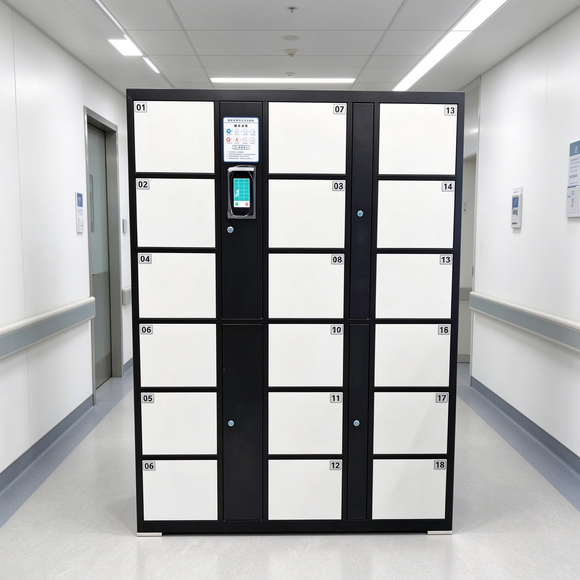
The positioning matters. Lockers go in the gantry prep area, just outside the scan room but past the 5-gauss line. That way the patient stores their items, walks a few steps, and is scanned — no return trip to a distant cloakroom.
Keyless beats keys at the scan room door
Keys are the wrong tool here. A key is a small metal object the patient could carry into the scan room by accident, and a lost key locks someone out of their own clothes. Keyless access removes the problem:
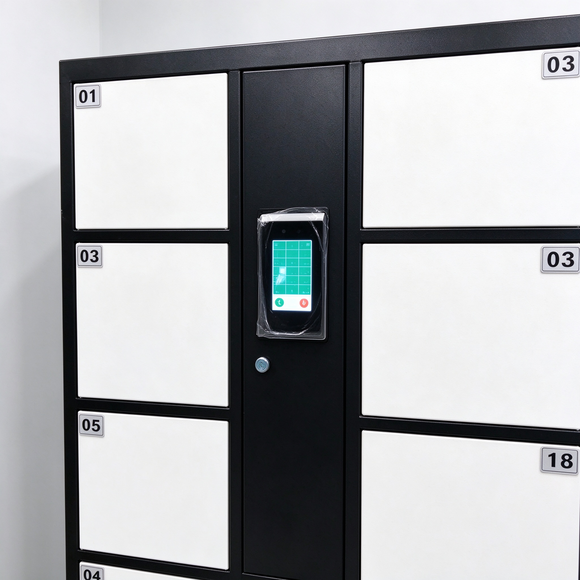
- Face recognition — the patient scans, a door opens, done. No card, no code to remember. Fastest for high-throughput departments.
- RFID wristbands — one-time-use bands handed out at reception, ideal where you want a record of who used which locker.
- PIN code — a four-to-six-digit code set by the patient, no hardware issued at all.
Each works. The right choice depends on how many scans a day you run and whether you want an audit trail. Face and RFID both log the event; a PIN leaves no record unless you add it to the locker’s software.
How radiology departments roll these out
If you are planning a locker bank for an MRI suite, the steps look like this:
- Choose the location — just outside the scan room, in the prep area, past the 5-gauss line.
- Size by throughput — count scans per hour and peak times; most departments size at the busiest hour, not the average.
- Pick the access type — face for speed, RFID for a record, PIN for a zero-issued-hardware setup.
- Confirm the hardware — specify non-magnetic locks and hinges if the bank sits close to the field.
- Set the admin function — staff need a master key or app to reopen a locked door, check the log, and release a locker at day end.
- Train the team — the reopen and audit functions matter more than the patient-facing flow.
The ROI: fewer delays, fewer lost-item complaints
A single scan delay costs radiographer time and pushes the whole list back. A lost-item complaint pulls reception staff off their work and, in the worst case, damages the department’s reputation. Smart lockers address both:
- Scan prep drops from a search-and-queue to a 20-second store-and-lock.
- Belongings stay in a named, logged locker instead of an open tray.
- The audit trail answers “who opened which locker and when” without a paper sign-in sheet.
For a department running 40 to 60 scans a day, the time saved in prep alone usually pays back the locker cost within the first year.
What to check before you buy from a manufacturer
MRI lockers are a specialist buy, so the supplier matters as much as the cabinet. Ask for:
- Factory proof — confirm they manufacture, not resell; ask for a factory tour video or audit photos.
- Certification — CE, ISO 9001, and any local hospital compliance your project needs.
- Non-magnetic hardware options — confirm in writing which lock and hinge components are non-ferrous.
- Lead time and MOQ — know the realistic delivery window before you budget a renovation.
- Custom sizes and colors — hospitals often want the cabinet to match the suite or fit a specific wall.
- Spare parts — a reader or lock that fails must be replaceable without replacing the whole bank.
HNJUNTUO manufactures steel and smart storage cabinets in Luoyang, China, and ships to hospital projects across the Middle East, Southeast Asia, Africa and Australia. We can supply keyless smart lockers with face, RFID or PIN access, and confirm non-magnetic hardware in writing before you order.
FAQ
Are smart lockers allowed near an MRI scanner?
Yes, when the locker bank sits outside the 5-gauss line and the hardware is non-magnetic. It is standard practice in hospitals that already run smart lockers at their MRI suites.
What access type is best for a radiology department?
Face recognition for speed, RFID wristbands if you want a per-patient record, PIN code if you want zero hardware to issue. High-volume departments usually pick face.
How many lockers does an MRI suite need?
Size to the busiest hour — typically one locker per scan in peak time, plus a few spares for staff and overflow.
Can you supply non-magnetic hardware?
Yes, specify it on your RFQ and we will confirm the non-ferrous lock and hinge components in writing.
What is the lead time?
It depends on quantity and configuration; send your specs and we will quote the delivery window with the price.
If you are planning an MRI suite locker installation, tell us your department size and daily scan count. We will confirm the locker count, access type, and non-magnetic hardware, and send a quote within 24 hours.
Contact HNJUNTUO with your floor plan and throughput — we reply the same working day.