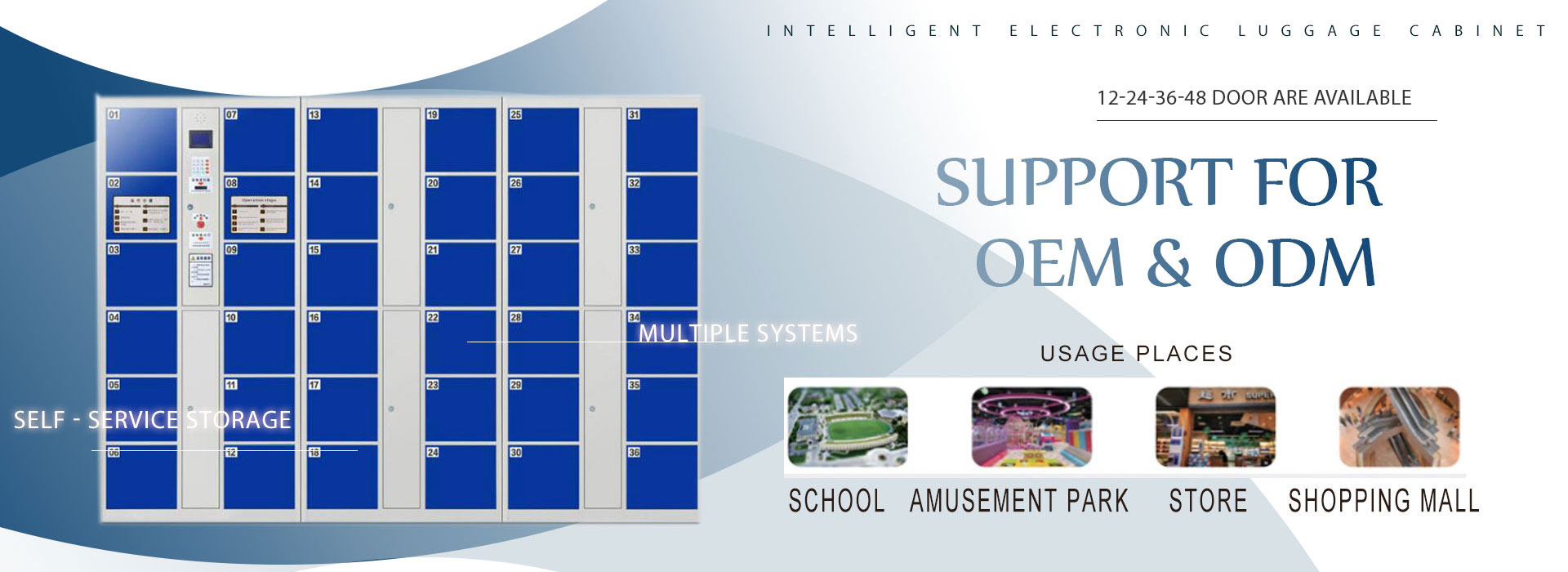
# Data Center Phone Lockers — Secure No-Phone Storage at the Server Room Door Without Friction
Every data center with a no-phones policy faces the same scene at the server room door: an engineer reaches into a pocket, a phone lands in a plastic tray, a name gets scrawled on a sign-in sheet, and ten minutes later someone is asking where their phone went. The tray is a hole in the policy, and the sign-in sheet is a queue.
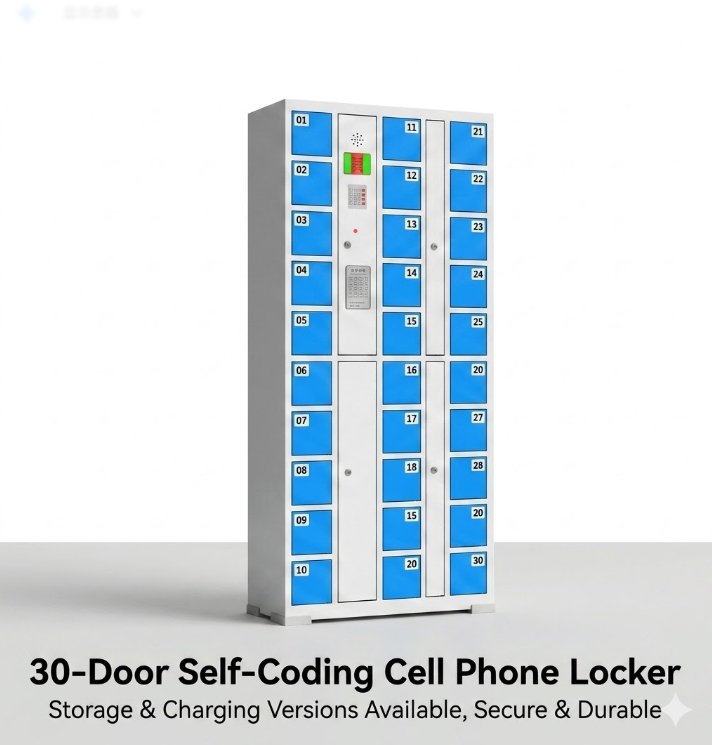
Phone lockers fix the gap. They give every visitor and engineer a locked, private compartment seconds from the door — the phone goes in, the door closes, the badge is scanned, and the shift starts on time.
This article covers what a data center phone locker has to do, how it removes friction from a no-phones policy, and what to check before you buy.
Why data centers enforce no-phone zones
A server room holds the client’s most sensitive equipment and data. A phone in the wrong hands is a camera, a storage device, and a distraction all at once. So the policy is straightforward: no phones past the door. The reasons are practical:
- Photography and recording — a camera phone can capture racks, labels, and layouts that should not leave the building.
- Data protection — clients audit who has access and what could be carried in or out.
- Focus and safety — hands busy with a phone are a hazard around power and cabling.
The policy is easy to write. The hard part is the storage at the door.
The problem with trays and sign-in sheets
A plastic tray at the door works, until it does not:
- Loss — phones in a shared tray get mixed up or picked up by the wrong person.
- No record — if a phone goes missing, there is no record of who put it where.
- Theft risk — an unattended tray is an open invitation.
- Delays — queueing to hand over and collect a phone adds minutes to every entry and exit.
None of that is acceptable at a door that staff pass through dozens of times a day.
What a data center phone locker has to do — a checklist
A locker for a server room door is not a gym locker. It has to be fast, secure, and audit-able:
| Requirement | Why it matters |
|---|---|
| Individual, locked compartments | Each phone gets its own private, secured space |
| Keyless access | PIN, fingerprint, or QR — nothing to carry, nothing to lose |
| Fast deposit and collection | A few seconds each way, no queue at the door |
| Audit trail | Staff can see which compartment was used and when |
| Sized for the load | Large enough for a phone, a watch, a wallet, or a small tablet |
| Tamper evidence | A compartment that was forced open is obvious |
| Clean, durable build | Steel body that stands up to daily use at a busy door |
Keyless access without friction
The whole point is to keep the door moving. Three access options do that well:
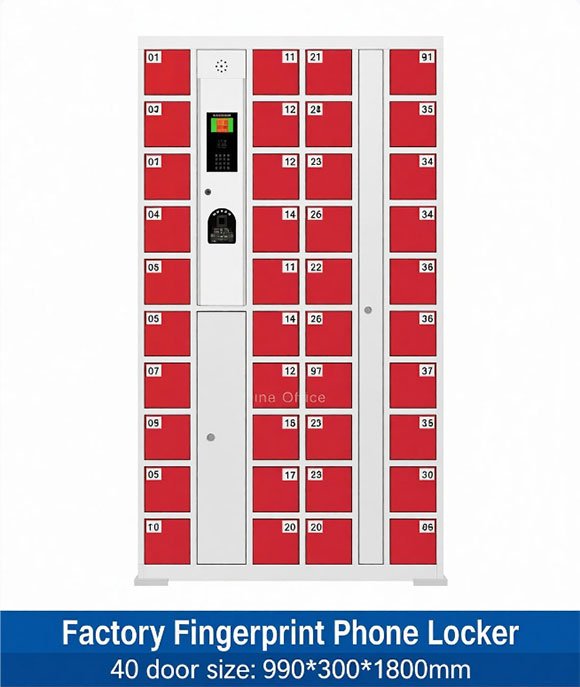
- PIN code — a code the visitor sets and re-enters to collect. No hardware issued, works for everyone.
- Fingerprint — a quick scan to open the compartment. Fast for staff who use the door daily.
- QR code — scanned by the visitor’s own device, then the phone goes inside. Good for one-time visitors.
Each takes seconds. The right choice depends on how many people pass the door and whether you want a per-person record.
How to deploy at the server room door
If you are adding phone lockers to a data center, the steps look like this:
- Choose the location — inside the secure perimeter, just before the server room door.
- Size by shift headcount — count the people on site at peak; size to the busiest shift, plus a few spares.
- Pick the access type — PIN for one-time visitors, fingerprint for daily staff, QR for anyone with a phone.
- Set the admin function — security staff need a master key or app to reopen, audit, and clear compartments.
- Tie it to the badge flow — place the locker beside the badge reader so deposit and entry happen in one motion.
- Train the team — the reopen and audit functions matter more than the visitor-facing flow.
Compliance and security
A phone locker supports a no-phones policy instead of just storing phones:
- Audit trail — who used which compartment and when, without a paper sign-in sheet.
- Controlled access — the locker sits inside the secure perimeter, so deposits happen after badge check, not before.
- Policy enforcement — a locked compartment is a harder rule to break than a tray.
That record also helps when a client asks who was in the room and what they carried.
The ROI: faster entry, no lost items, policy that holds
For a data center, the numbers are simple:
- Entry and exit drop from a tray-and-sign shuffle to a five-second deposit and collect.
- No more lost-phone complaints or the staff time spent resolving them.
- A no-phones policy that is actually followed, without friction that slows engineers.
For a facility with hundreds of badge entries a day, the time saved at the door and the avoided incident cost usually cover the locker investment within the first year.
What to check before you buy from a manufacturer
Ask the supplier for:
- Data center or security experience — have they supplied lockers to secure facilities before?
- Certification — CE, ISO 9001, and any client security requirements your facility needs.
- Integration — can the locker link to your badge or access-control system for a cleaner flow?
- Lead time and MOQ — know the delivery window before you plan the doorway layout.
- Custom sizing and branding — facilities often want the bank to fit a specific wall or match the badge area.
- Spare parts and support — a reader or lock that fails must be replaceable without replacing the whole bank.
HNJUNTUO manufactures steel and smart storage lockers in Luoyang, China, and supplies keyless locker systems to data centers, factories and secure facilities across the Middle East, Southeast Asia and Australia. We can confirm the compartment size, access type and security features in writing before you order.
FAQ
Are phone lockers allowed in a data center?
Yes, when they sit inside the secure perimeter, outside the server room door, and support the no-phones policy with an audit trail.
What access type is best for a server room door?
PIN for one-time visitors, fingerprint for daily staff, QR for anyone with a phone. Most facilities combine two.
How many lockers does a data center need?
Size to the peak shift headcount, plus a few spares. Most facilities size to the busiest badge-traffic hour.
Can the locker link to our badge system?
Integration depends on the access-control system; send your setup and we will confirm what is possible.
What is the lead time?
It depends on quantity and configuration; send your specs and we will quote the delivery window with the price.
If you are planning phone lockers for a data center, tell us your shift headcount and badge traffic. We will confirm the locker count, access type, and security features, and send a quote within 24 hours.
Contact HNJUNTUO with your facility layout and badge volume — we reply the same working day.